Converting scanned PDF to editable Word
A scan whose text cannot be selected may consist of images of pages. Text recognition reads the Turkish and English texts in these images and transfers them to DOCX output.
Open tool: Convert scanned PDF to editable Word
Step by step
- Open the scanned document tool and select the PDF or document image.
- Select Turkish, English or both according to the text in the document. Changing the interface language does not add a new language to OCR.
- Select the editable Word output and start the process.
- Review the date, amount, name, and punctuation in the text control area. If you made corrections, download the new file with the corrected Word button.
Check the result
Editable Word does not preserve the original table, column, font, and page layout exactly. In the page view option, pages remain as images. Combines searchable PDF view and text search; There may be OCR errors.
Example
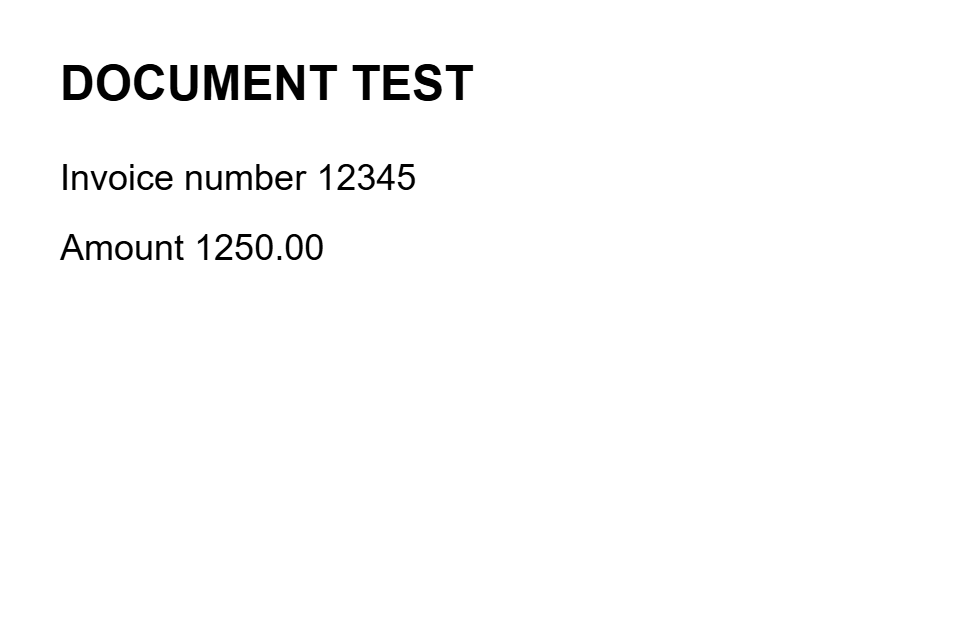
Sample check: make sure the amount “1,250.00” in the scan is not read as “1250.00” or “I,250.00”. Use a flat, well-lit scan instead of a blurry photo.